This plugin allows you to connect your Elgato Stream Deck with SAMMI.
⚠️ Important: This plugin will only work while NO API Password is set in SAMMI.
If you have an API Password configured, remove it/disable it before using this extension.
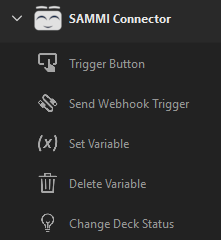
This plugin adds 5 new Stream Deck actions you can use to control SAMMI.
This action will trigger a button in SAMMI — just enter the Button ID of the button you want to trigger.
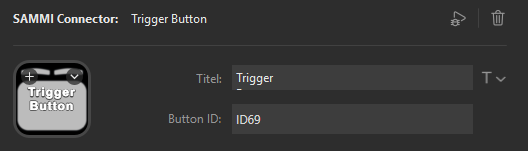
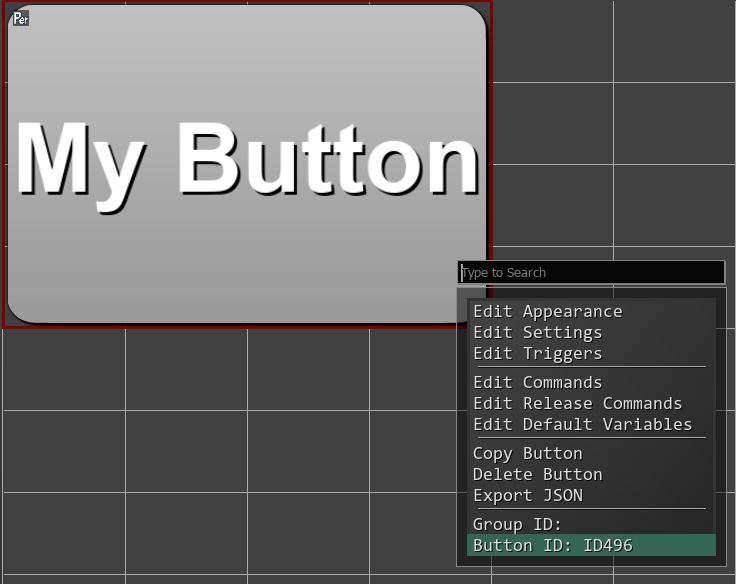
You can easily get the Button ID by rightclicking any button.
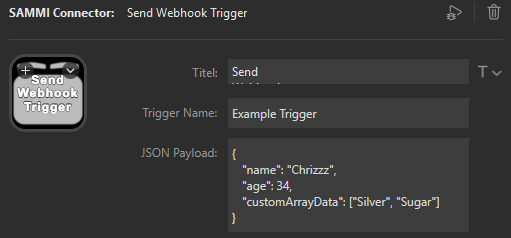
This action can be used to trigger Webhook Triggers inside SAMMI.
Unlike for the Trigger Button action, you can provide a JSON payload which you then can read in SAMMI using a Trigger Pull command.
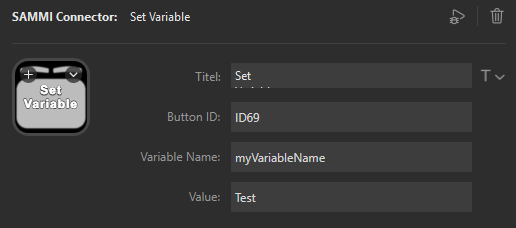
This action sets a string variable in a PERSISTENT button of your choice. Provide the Button ID, Variable Name, and the Value you want to set.
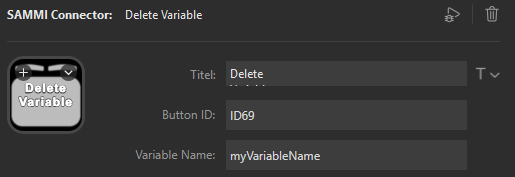
Delete any variable from a PERSISTENT button by providing the Button ID and the Variable Name.
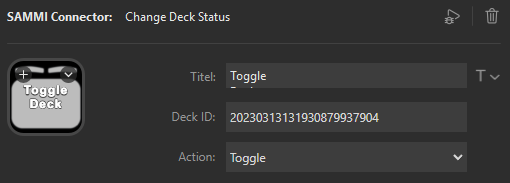
Control the status of your Decks in SAMMI: Turn On, Turn Off, or Toggle.
You must provide the Deck ID (get it by right-clicking a deck in SAMMI and choosing Copy ID — this will not work with the Deck Name).