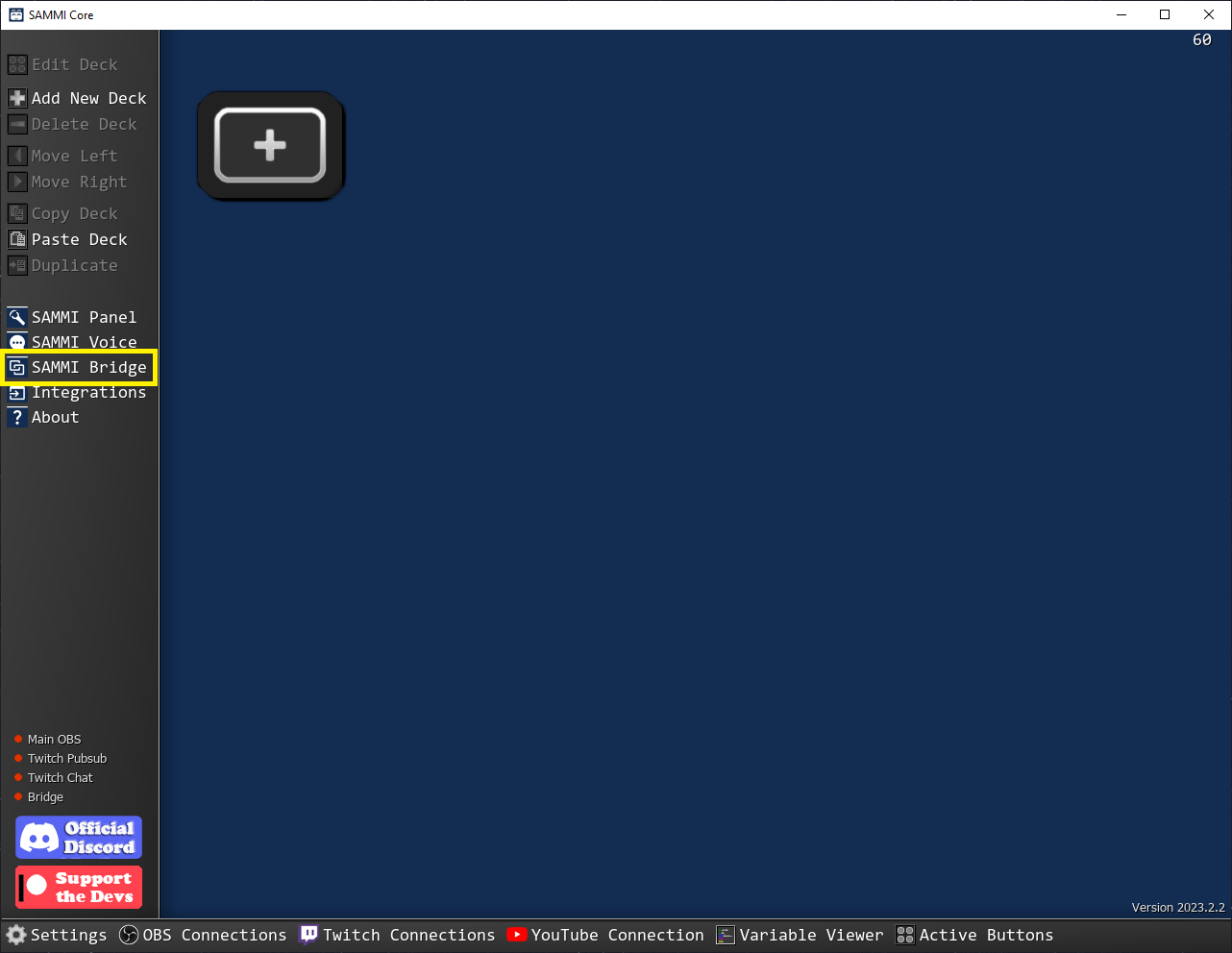
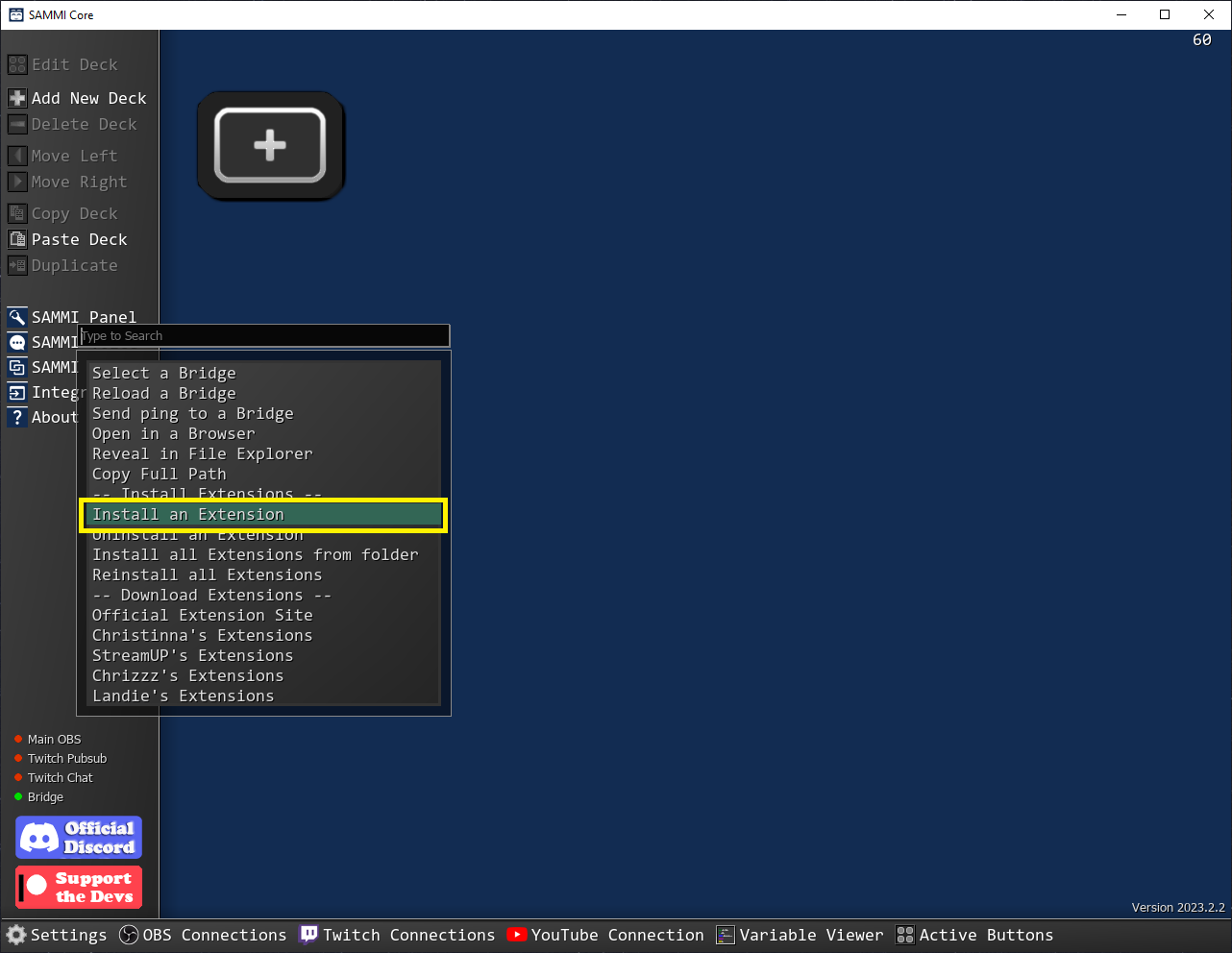
Effortlessly transform your voice during livestreams using Voicemod and SAMMI
Note: Use version V3 only if you are using Voicemod V3 or higher. If you're using an older version, please use the V1.1 extension instead.
This extension provides several useful commands to control Voicemod directly from SAMMI. These commands may take some time to execute—use Wait Until Variable Exists when needed.
| Command Name | Description |
|---|---|
| VM: Change to Specific Voice | Pick and switch to a voice of your choice. |
| VM: Random Voice | Let SAMMI surprise you with a random voice. |
| VM: Reset Voice | Revert back to your natural voice. |
| VM: Toggle Background Effects | Turn on or off any background effects. |
| VM: Toggle Hear My Voice | Control whether you can hear your own voice transformation. |
| VM: Toggle Mute | Mute or unmute your voice. |
| VM: Toggle Voice Changer | Enable or disable the voice changer feature. |
| VM: Get Voice Bitmap | Fetch the image for the selected voice. |
| VM: Prevent Bad Language | Helps filter inappropriate language using mute/beep for x milliseconds. |
The following trigger is available to react when a voice change occurs:
| Trigger Name | Description |
|---|---|
| Voicemod: Voice Changed | Triggered whenever the voice is altered in any way. |
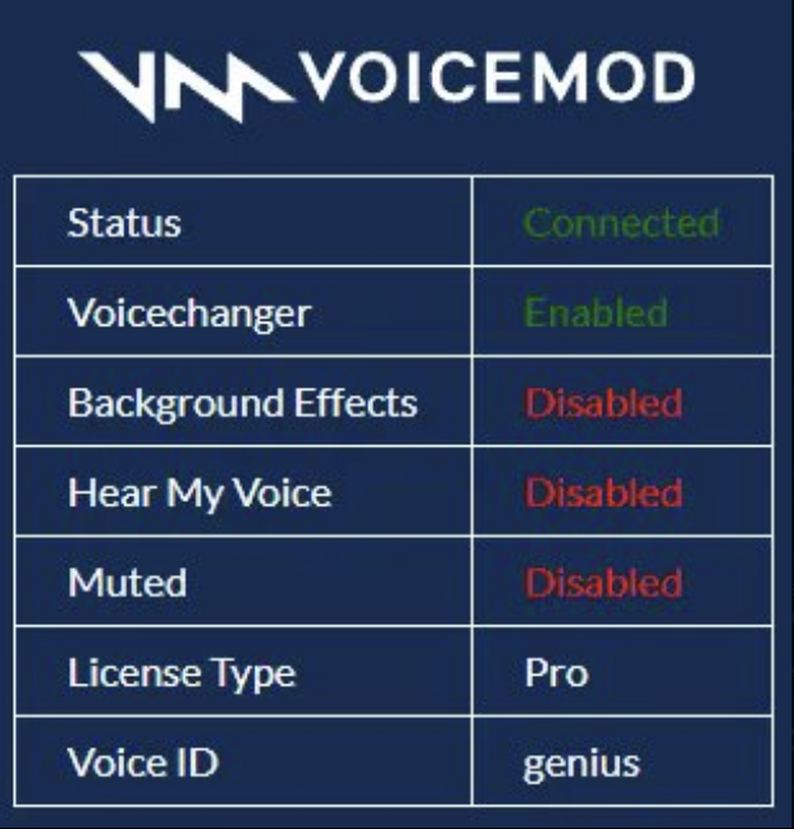
The bridge provides real-time info about Voicemod's state:
| Feature | Description |
|---|---|
| Status | Indicates whether you’re connected to Voicemod. |
| Voicechanger | Shows the current voice setting. |
| Background Effects | Displays the status of background effects. |
| Hear My Voice | Lets you know if you can hear your transformed voice. |
| Muted | Indicates if your voice is muted. |
| License Type | Displays the type of Voicemod license you have. |
| Voice ID | Shows the identifier for the current voice. |